What is an IT runbook?
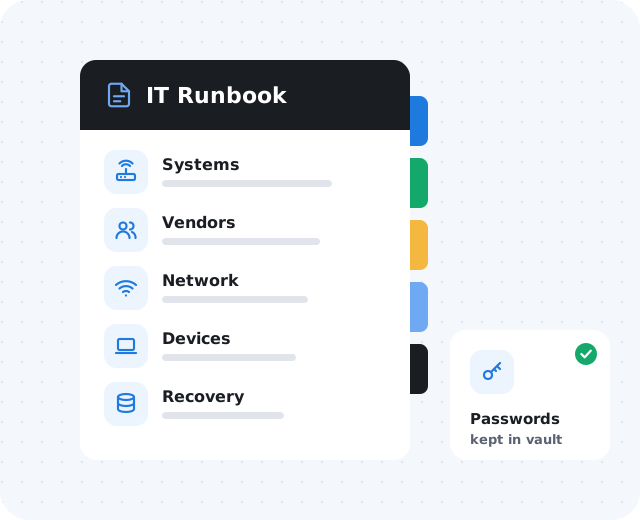
An IT runbook is a practical reference guide for your business technology. It documents the systems, vendors, devices, access, recovery steps, and support contacts your team needs when something must be fixed, changed, replaced, or restored.
The goal is not paperwork for its own sake. It is faster support, less guesswork, and a more confident response when something changes or fails.
Why small businesses need IT documentation.
Technology grows piece by piece — a laptop here, a cloud app there, then a firewall, phones, file sharing, remote access, security tools, and backups. Without documentation, ordinary problems get harder:
- A workstation fails and no one knows what software to reinstall
- A staff member leaves and access removal depends on memory
- The internet goes down and no one has the provider account details
- A vendor asks for DNS access and nobody knows where the domain is managed
Good documentation does not prevent every problem, but it reduces confusion when problems happen.
Document your key business systems.
For email, accounting, CRM, phones, file storage, remote access, security platforms, and backup tools, record the system name, purpose, vendor, admin portal, business owner, support contact, renewal notes, MFA status, and who should have admin access.
List vendors and support contacts.
When something breaks, the first question is "Who do we call?" Include support numbers, emails, account numbers, contract dates, and escalation contacts for:
Connectivity
Internet provider, phone provider, and any site-to-site links.
Web & domain
Website host, domain registrar, and DNS.
Software & cloud
Email and cloud provider, line-of-business software vendors.
IT & security
Managed IT provider, cybersecurity vendor, and backup provider.
Capture network details and assets.
Network basics should be clear: internet provider and static IPs, firewall or router model, Wi-Fi names, equipment locations, switches, access points, VPN notes, internal IP ranges, and guest Wi-Fi. A simple network diagram helps during troubleshooting.
For each device, record the name, assigned user, serial number, purchase date, warranty, operating system, security software status, and replacement priority.
Include onboarding, offboarding, and recovery.
Add checklists for new employees, role changes, and departures. Document what is backed up, how often, retention, alerting, restore testing, and escalation steps if a backup fails.
Avoid common documentation mistakes.
The best runbook is the one your team will actually use. Watch out for:
- Keeping everything in one person's head
- Putting passwords directly in documents
- Never updating the documentation
- Making the runbook too complicated to use
- Not assigning an owner